
What Tablinum does
Everything on this page works today unless it's marked Coming.
Your client portal
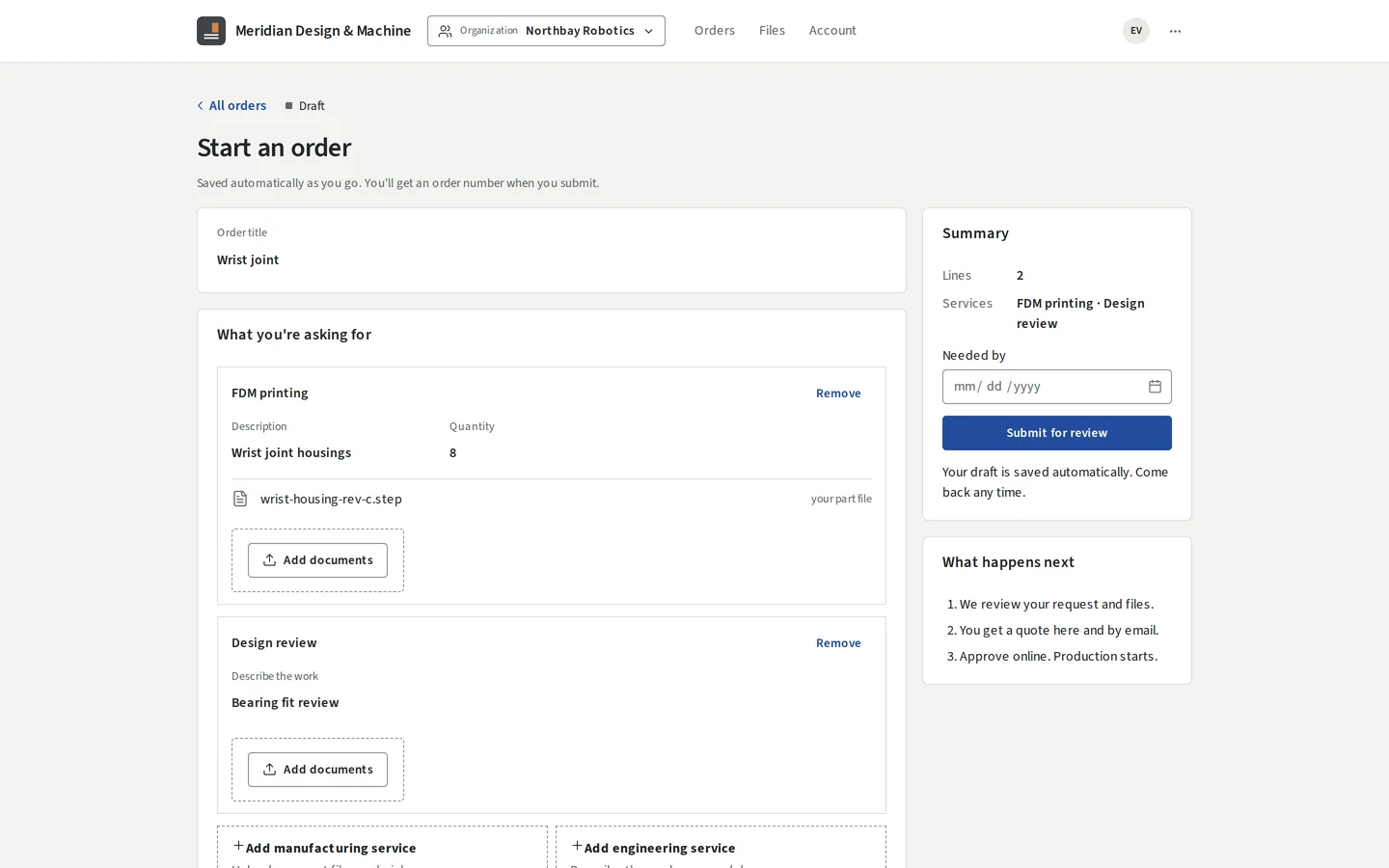
- Clients create an account, or you invite them. They start orders with files and their own notes, see quotes in full, accept online, and follow each order through your stages, named the way you name them.
- A client company can have several people with different roles, and only the people you allow can accept quotes or pay.
- They can download packing slips and certificates of conformance, and ask to cancel.
Orders, from request to shipped
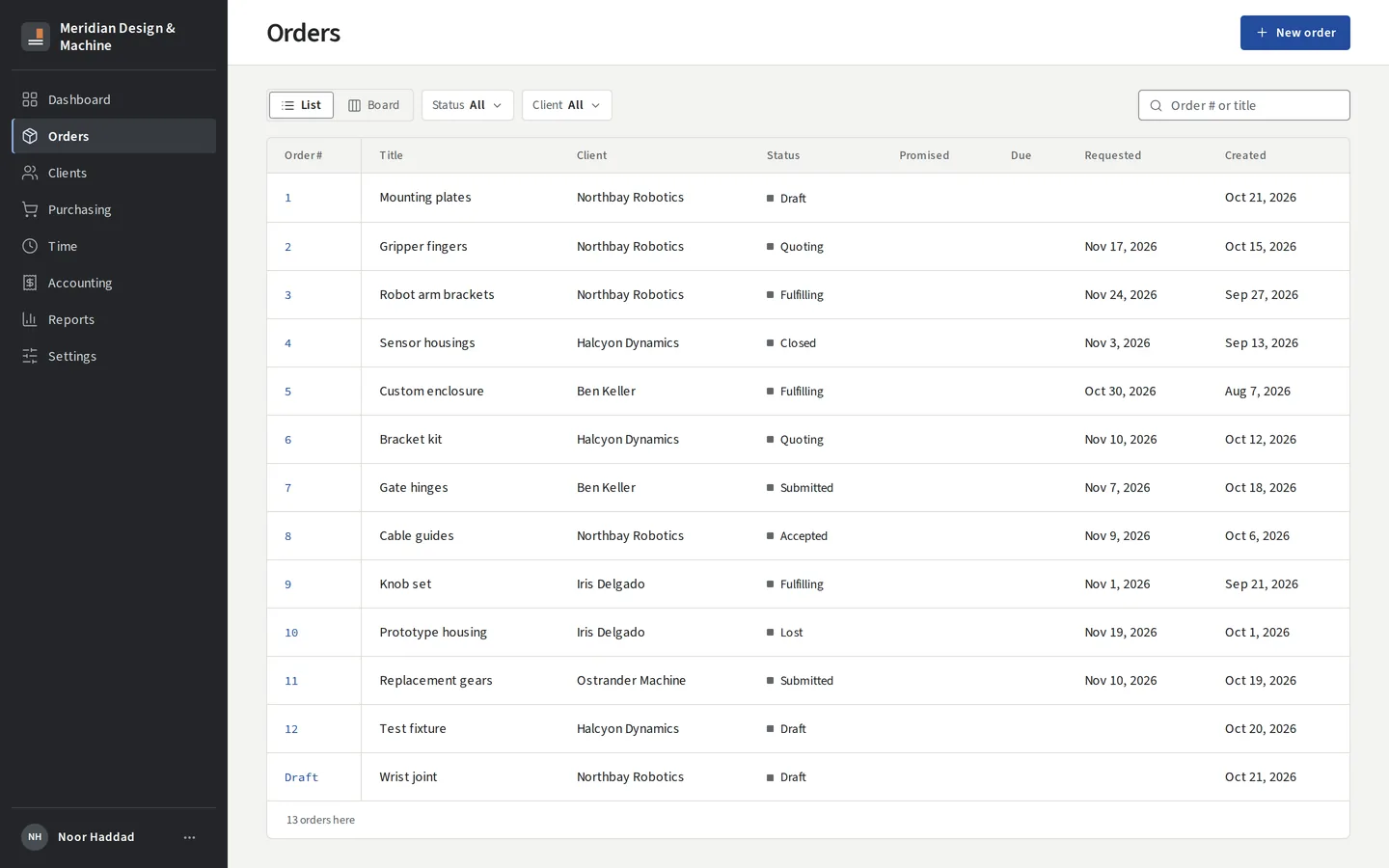
- Each order is one record with its lines, files, quote, schedule, invoices and history.
- Lines move through steps you define per service, and quantities can split across steps.
- Your team sees a list and a board. You can enter orders for clients who phone or email, and clone repeat orders.
Quoting
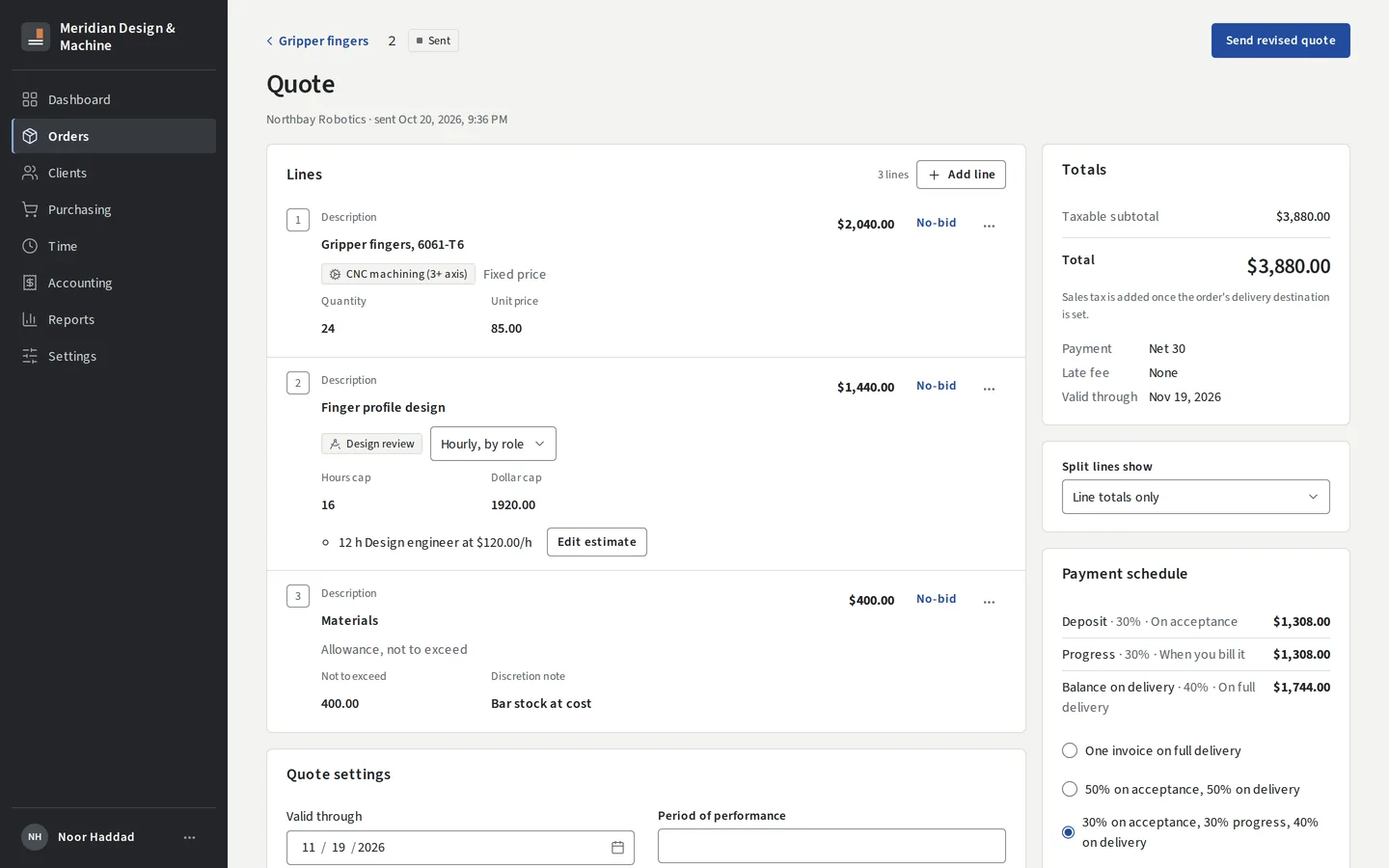
- Price each line at a fixed price, hourly with a cap in hours or dollars (with billing roles and per-client rates), or as a materials allowance.
- No-bid any line you won't make.
- Set validity, terms and the payment schedule.
- You can see when the client has viewed it. After acceptance, change the scope with an amendment the client confirms.
Invoicing and payments
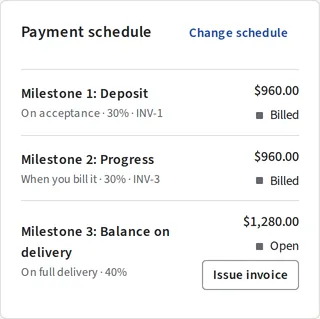
- Invoice by milestone, on delivery, or from logged hours and costs.
- Clients pay online by card or US bank transfer, through your own Stripe account.
- You record checks, credit notes, refunds and account credit.
- Sales tax comes from maintained state rate tables, with exemption certificates.
- Late fees follow your terms.
QuickBooks Online
- Customers, invoices, payments and credit notes go to QuickBooks in one direction.
- Your accountant keeps the books there. You run the work here.
Time and job costing
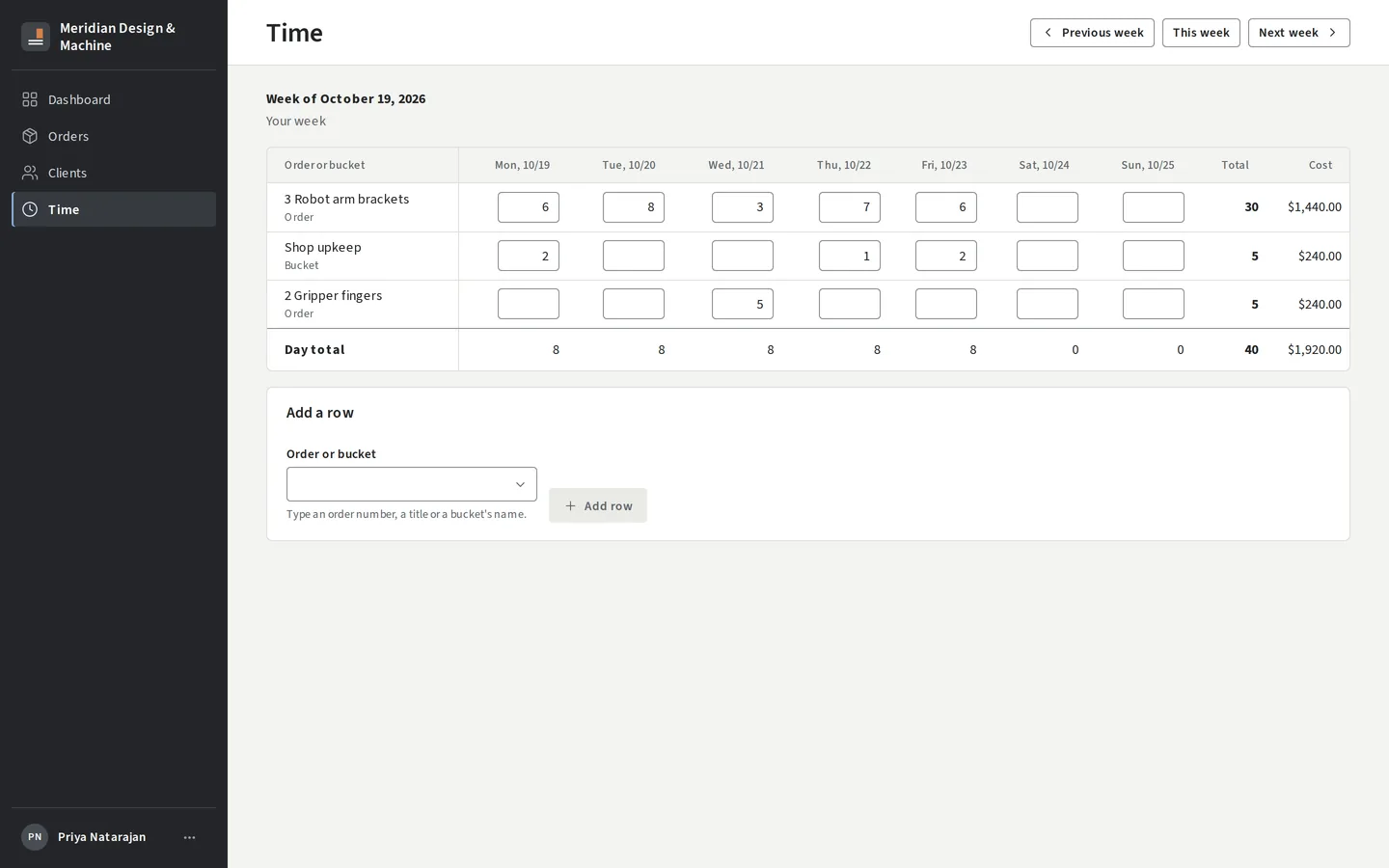
- Anyone on the team logs time in a weekly grid against an order or a shop bucket.
- Each order compares its quote with the hours and costs logged against it.
Purchasing
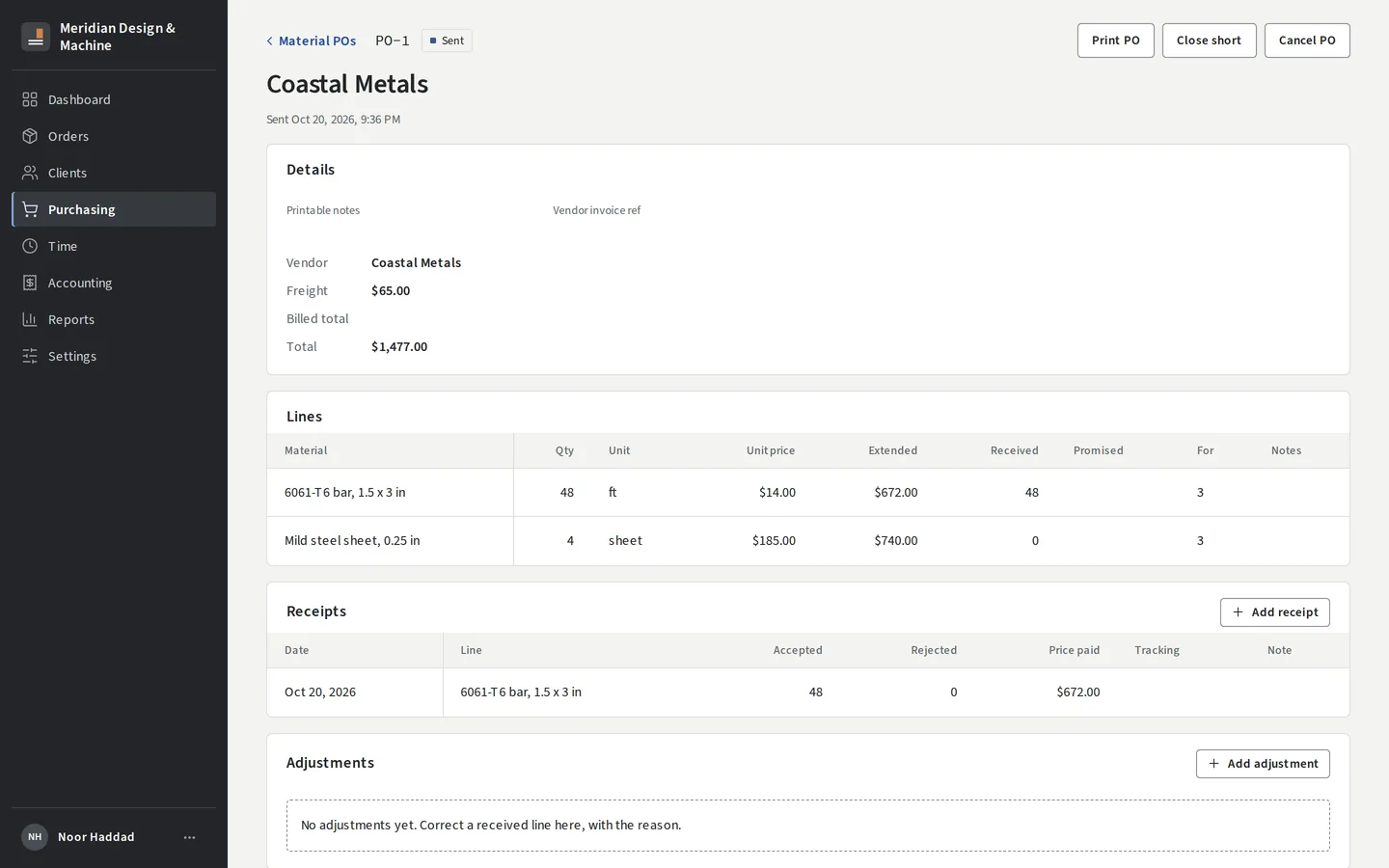
- Keep your vendors.
- Send material purchase orders as PDFs, and record what arrived and what you paid.
Clients
- A light CRM: companies and individuals, contacts, ship-to addresses, rate cards, tax certificates, credit, and where each lead came from.
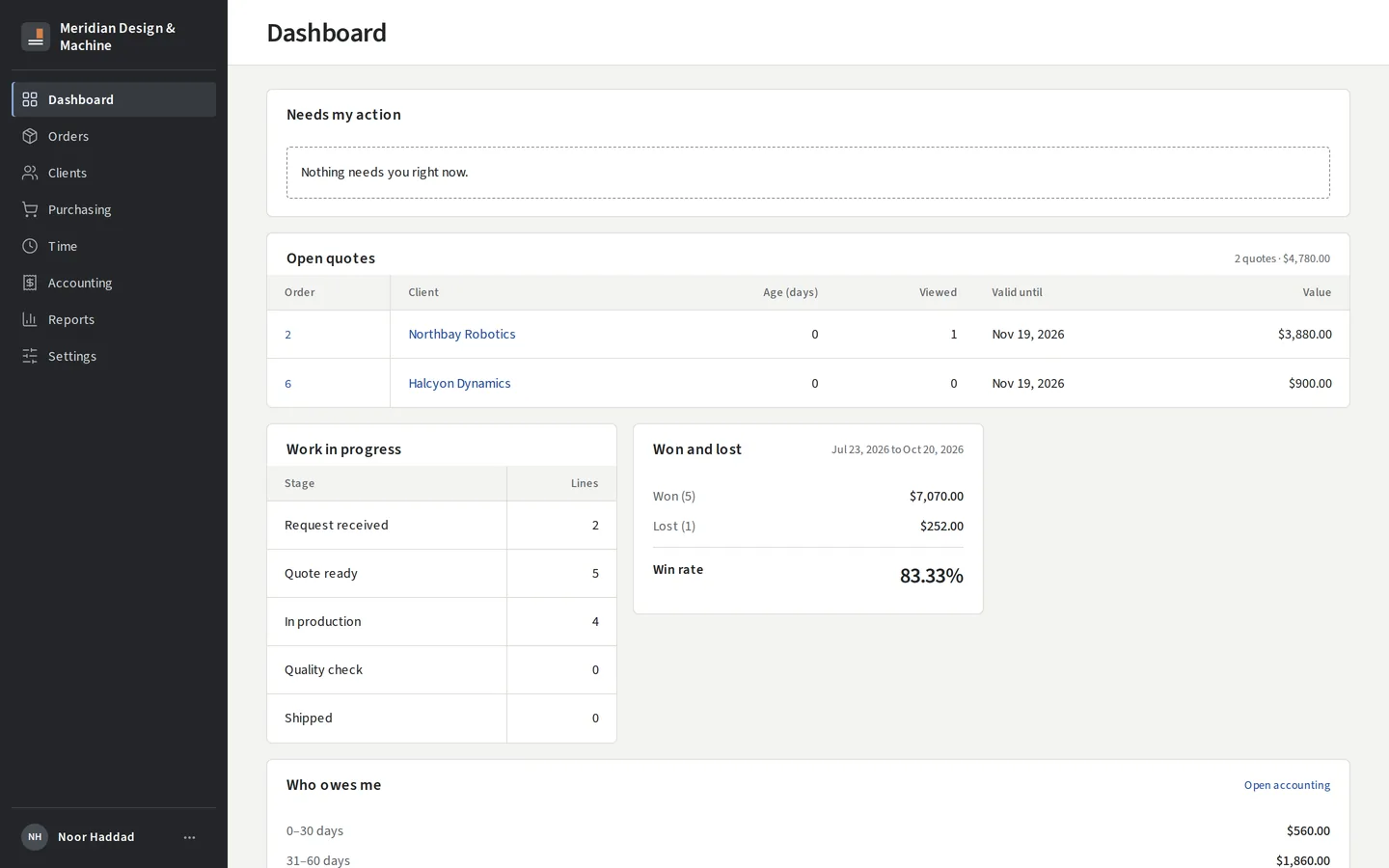
- Your dashboard shows open quotes, win rate and who owes you.
Your team, and keeping it safe
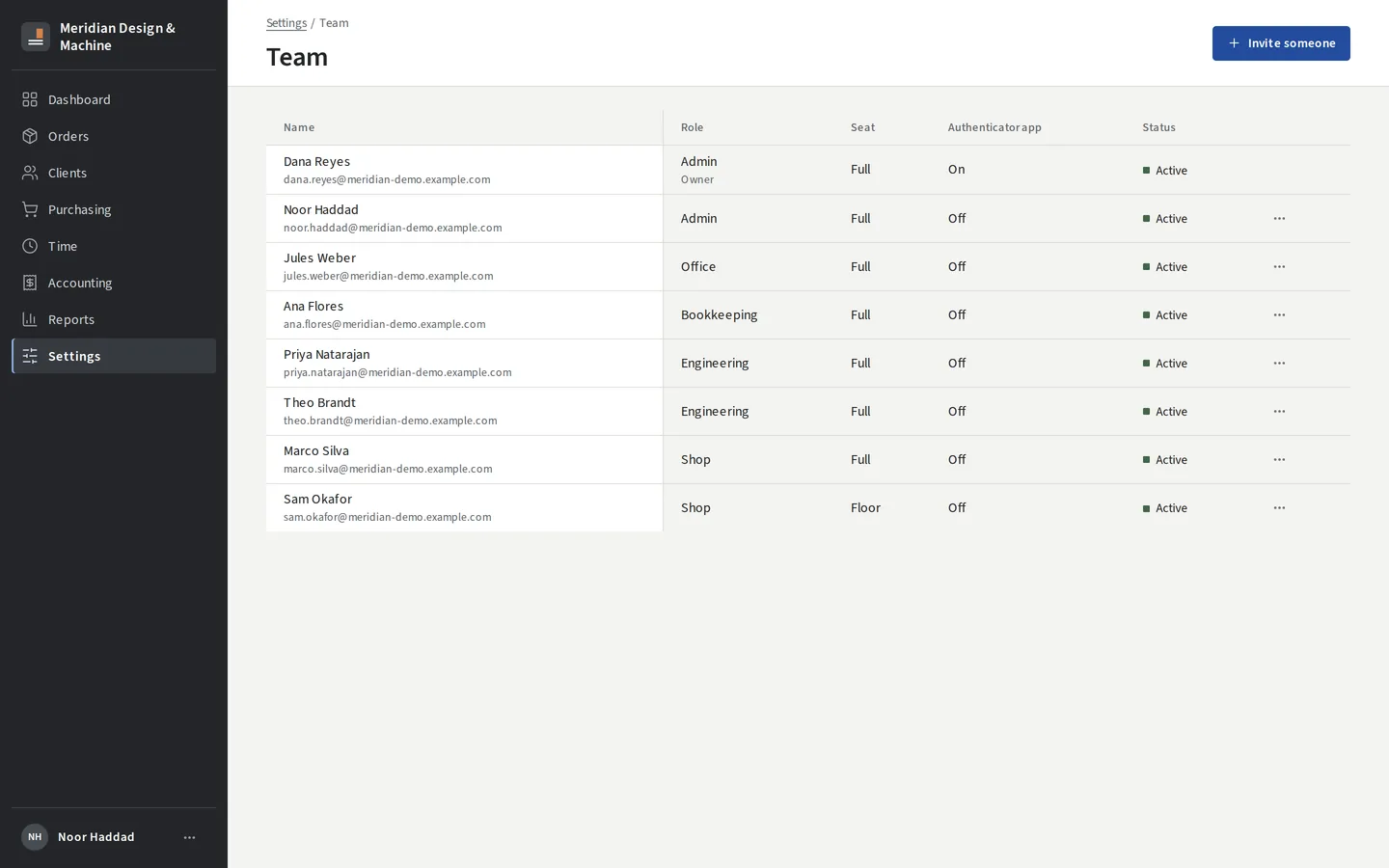
- Invite your team, give each person a role, and keep the money screens away from people who don't need them.
- Sign-in takes an emailed link or code, and an authenticator app adds a second step.
- Sensitive actions ask for a fresh code: inviting an owner, a refund, a role change.
- Each shop's records are kept apart in the database.
Reports
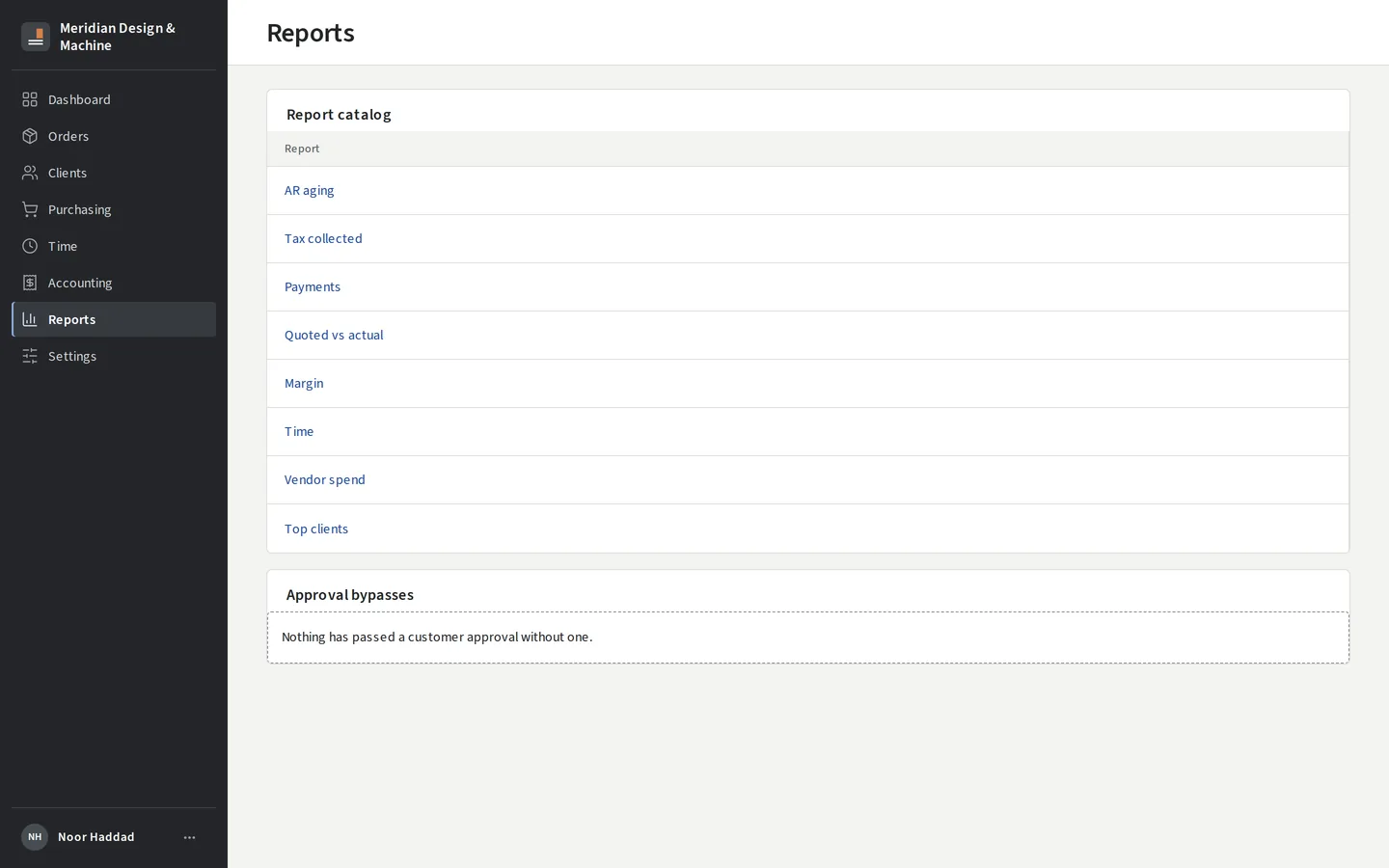
- A catalog of reports with CSV export: open quotes, win rate and reasons for losses, who owes you, payments and more.
Coming
- Tablinum Drive. Your order files as a drive letter in Windows, safe for CAD.
- Order and account threads. Message your client on the order itself, plus a notifications center.
- Your own domain and branding on the portal and its emails.
- Search across orders, clients and files, plus a shop-wide activity log.
- HubSpot. Send deals to HubSpot.
- E-signed standard documents. NDAs, terms and other document sets your clients sign in the portal.
- + Engineering. Projects with tasks and timelines, a CAD vault in the Drive with check-out and check-in, and deliverable transmittals.
- + Manufacturing. Work centers, travelers and floor stations, structured QC with NCRs, bills of materials and inventory, carrier labels, and a machinery dashboard.
- + AI (after launch). Turn an emailed RFQ into a draft order, which you confirm before anything is created.
- + Quoting Engine. Instant prices from uploaded CAD, on your own website.
You make the world. We make everything else.
We're onboarding our first shops now, one at a time.